
Overview of app notification settings
From the notification settings in App settings, you can set notifications to be sent when a certain action is performed on a record or a certain condition is satisfied by record data.
Notification setting patterns
Notifications are sent to app users in the following cases:
- General notifications
Notification is sent when a certain action is performed on a record.
Example: When a record is added to an app - Per record notifications
Notification is sent when record data satisfies a certain condition.
Example: When the amount of over one million yen is entered to a expense item - Reminder notifications
Notification is sent at a certain time (e.g., 7 days before, 3 days after) based on the date and time specified in the record.
Example: When one of the dates passes the date entered in a due date item for To-Dos
Recipients
For notification recipients, departments, groups, or users can be specified.
When a "User selection," "Department selection,"or "Group selection" field is placed on a form, you can also specify users selected in the field as recipients.
Reference: Tips: Notification recipients selectable from the "Add a field of the form" drop-down list
By default, a notification is sent to the following users when a comment is posted on a record.
- A user who created the record
- A user who last updated the record
- Users who have previously posted a comment on the record
How recipients receive notifications
App notifications are displayed on the Portal (the main page of kintone) or the "Notifications" screen.
Notifications are sent out in cases such as when a record is edited or its status is changed.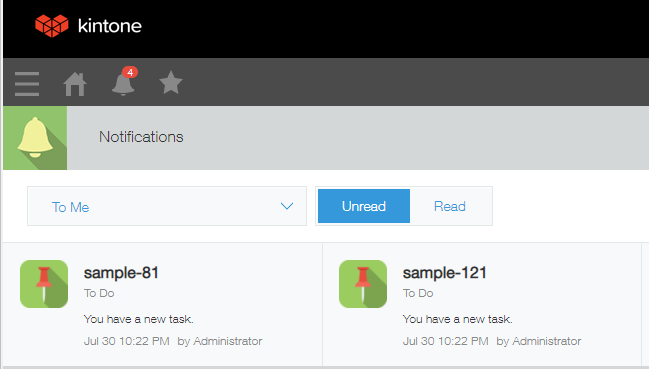
To check the details of the change made to a record, open the relevant record.